How Eye Blink Rate Changes During Screen Work Affect Tear Production and Simple Exercises That Restore Natural Moisture Within 48 Hours
Robert Kim
06/05/2026
4 min read
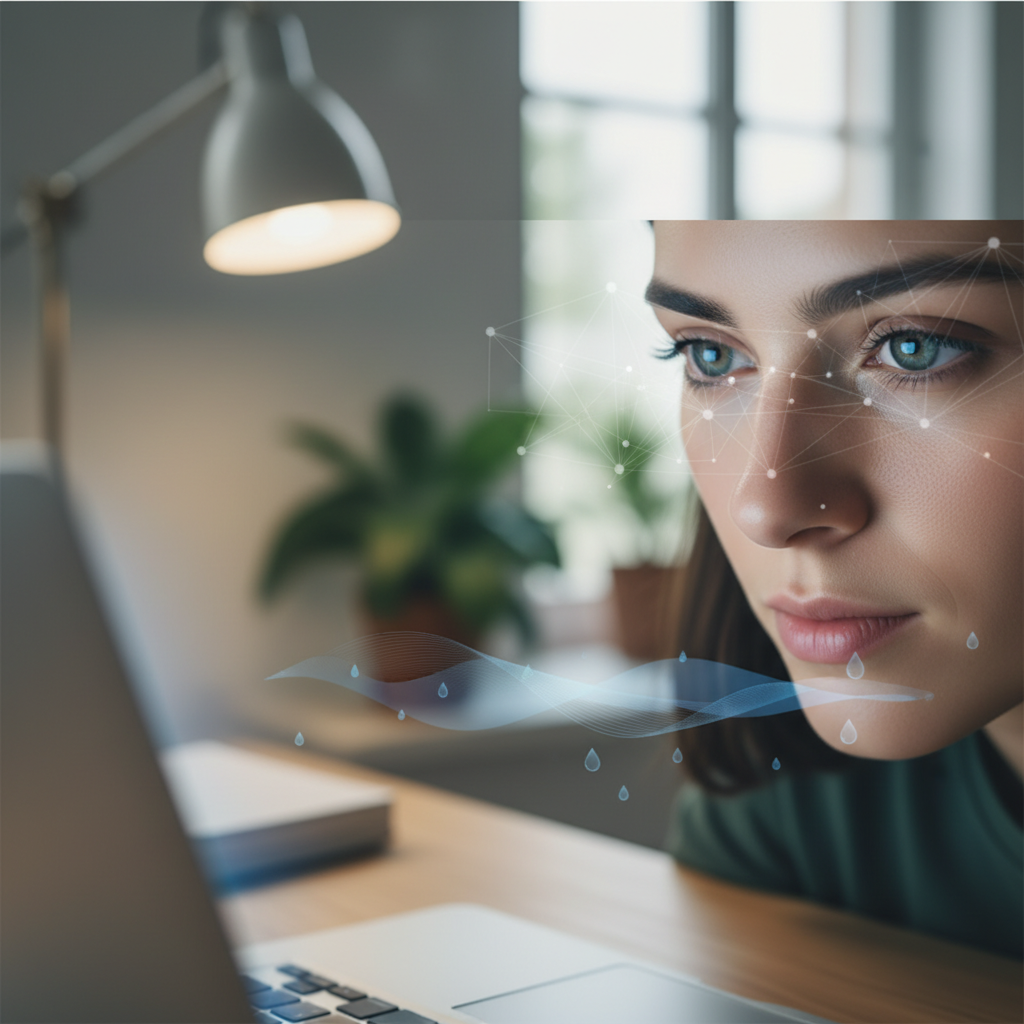
Screen work dramatically reduces your natural blink rate from the normal 15-20 blinks per minute to as few as 5-7 blinks per minute. This reduced blinking disrupts your eye's natural tear distribution system, leading to dry eyes, irritation, and visual fatigue that compounds throughout your workday.
Your tear film consists of three layers that work together to keep eyes moist and clear. When you focus intently on screens, your blink reflex becomes suppressed, preventing the upper eyelid from properly spreading this protective film across your eye surface. The result is uneven moisture distribution and accelerated tear evaporation.
Practice the 20-20-20 Rule With Deliberate Blinking
Every 20 minutes, look at something 20 feet away for at least 20 seconds while performing 10 slow, deliberate blinks. These conscious blinks should be slower and more complete than your automatic ones. Close your eyes fully, hold for a moment, then open slowly. This technique helps redistribute your tear film and gives your focusing muscles a break. Set a timer or use apps like Stretchly to remind you consistently.
Perform Palming Exercises to Reset Tear Production
Cup your palms over closed eyes without applying pressure, creating a gentle darkness that allows your eyes to rest completely. Hold this position for 30-60 seconds while breathing deeply. The darkness stimulates natural tear production while the warmth from your palms improves circulation around your eyes. Practice palming three to four times during your workday, especially after intense screen sessions like video calls or detailed document work.
Use the 5-5-5 Blinking Pattern During Screen Breaks
Interrupt your screen work every hour with five slow blinks, followed by five rapid blinks, then five more slow blinks. The slow blinks ensure complete lid closure and tear distribution, while rapid blinks help clear debris and refresh the tear film. This pattern takes less than 30 seconds but effectively resets your natural blinking rhythm. You can perform this exercise while remaining at your desk without drawing attention.
Adjust Your Screen Position to Reduce Blink Suppression
Position your monitor so the top of the screen sits at or slightly below eye level, forcing you to look slightly downward. This downward gaze naturally promotes more frequent blinking compared to looking up at a screen. The ideal viewing distance ranges from 20-24 inches from your eyes. Companies like Ergotron and Herman Miller offer adjustable monitor arms that make positioning changes simple and precise.
Create Humidity Zones Around Your Workspace
Dry office air accelerates tear evaporation, compounding the effects of reduced blinking. Place a small humidifier near your desk or keep a shallow dish of water nearby to increase local humidity. Target humidity levels between 40-50% for optimal eye comfort. Desktop humidifiers from brands like Honeywell or Pure Enrichment work well in office environments without creating excessive moisture that could damage electronics.
Practice Eyelid Massage to Stimulate Oil Glands
Gentle eyelid massage helps stimulate the meibomian glands that produce oils essential for tear film stability. Using clean fingertips, apply light pressure along your upper and lower eyelids in small circular motions for 30 seconds each. Perform this massage before starting screen work and again during your lunch break. The mechanical stimulation encourages oil production that prevents rapid tear evaporation throughout your afternoon.
Schedule Strategic Eye Breaks Based on Task Intensity
High-concentration tasks like coding, graphic design, or detailed data analysis suppress blinking more severely than casual web browsing. During intense work periods, take 30-second eye breaks every 15 minutes instead of waiting for the standard 20-minute intervals. Look away from your screen, blink several times consciously, and focus on distant objects. Adobe and Microsoft have built reminder features into their professional software to support healthier screen habits.
Implement Environmental Changes for Long-Term Relief
Position your workstation away from direct air conditioning vents and heating sources that create air currents across your face. These air movements accelerate tear evaporation even when your blinking rate improves. Consider using a small fan redirector or desk shield to minimize air flow toward your eyes. Plants like Boston ferns or peace lilies near your workspace naturally increase humidity while improving air quality.
These eye moisture restoration techniques work progressively, with most people noticing improved comfort within 24-48 hours of consistent practice. The combination of conscious blinking exercises and environmental adjustments addresses both the behavioral and physical factors that contribute to screen-related dry eyes, creating sustainable improvements in your visual comfort during extended screen work.