How Open-Box and Certified Refurbished Electronics Carry the Same Performance at 40% Lower Cost When You Know What to Inspect
Robert Kim
07/01/2026
5 min read
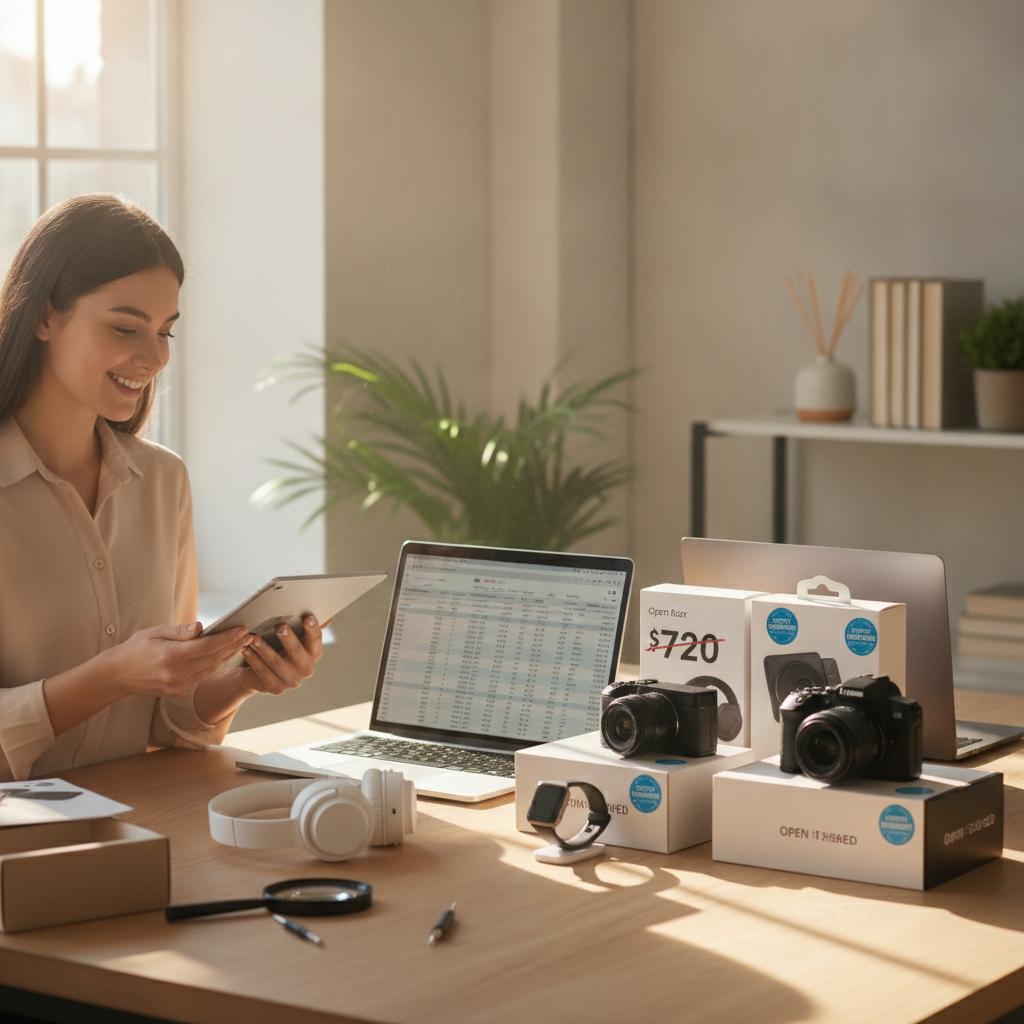
Buying electronics at full retail price has never been a requirement — it just feels that way when you're standing in a store. Open-box and certified refurbished products sit on the same performance level as brand-new devices, and the savings can be substantial when you approach the purchase with a clear checklist in hand.
Whether you're eyeing a new laptop, a smart TV, or a pair of noise-canceling headphones, the refurbished market has matured considerably. Retailers like Best Buy, Amazon, and Apple all run formal refurbishment programs with defined standards. The key is knowing what separates a genuinely solid deal from a purchase you'll regret.
Understanding What Certified Refurbished Actually Means
The word "refurbished" covers a wide range of situations, and not all of them are equal. Certified refurbished typically means the manufacturer — or an authorized third party — has inspected the device, replaced any failing components, and restored it to factory specifications. Apple Certified Refurbished products, for example, come with a full one-year warranty and are often indistinguishable from new. Open-box, on the other hand, usually means a customer returned the item without ever fully using it. The box was opened, the device was powered on or briefly tested, and then sent back. That's not damage — that's an opportunity.
Checking Battery Health Before You Commit
Battery condition is the single most important spec to verify on any refurbished laptop, tablet, or smartphone. A device that runs beautifully on paper becomes frustrating quickly if it can't hold a charge past two hours. Most modern devices allow you to check battery health directly in the settings menu — look for cycle count and capacity percentage. On a Mac, you can find this under System Information. On a Windows laptop, a quick battery report in the command prompt tells you everything. Aim for battery health above 80 percent, and anything below that should come with a meaningful price reduction.
Reading the Grading Scale With Skepticism
Most resellers use letter grades or condition labels — Grade A, Grade B, "like new," "good" — to describe cosmetic wear. These labels aren't standardized across sellers, so a Grade A product from one seller may look noticeably different from another's. When shopping through platforms like Back Market or Swappa, read the individual seller's condition description carefully rather than relying on the grade alone. Look for specific language about screen scratches, housing dents, or port wear. If the listing is vague, treat that as a yellow flag. A trustworthy seller describes the product with specifics, not just marketing language.
Verifying That All Ports and Buttons Function
Electronic components fail in predictable ways, and ports are often the first casualties of heavy use. When you receive a refurbished device — or inspect one in person — test every USB port, the headphone jack if present, the charging port, and any card slots. Buttons deserve the same attention: volume rockers, power buttons, and any physical switches should respond cleanly without sticking or requiring excessive force. A device with one non-functional port might still be perfectly usable depending on your workflow, but you should know that before purchase, not after. Factor any limitations into your negotiation or your decision to walk away.
Confirming the Return Window and Warranty Terms
The return policy on a refurbished purchase carries more weight than it does on a new one. You need time to thoroughly test the device in real-world conditions — not just a ten-minute unboxing check. Look for sellers who offer at least a 30-day return window, and ideally a 90-day one. Manufacturer-certified programs from Apple and Samsung often include a full year of warranty coverage, which changes the risk equation significantly. Third-party warranties from retailers like Best Buy's Geek Squad can extend that protection further. A refurbished device without any warranty is a gamble, not a bargain.
Checking Activation Lock and Account Status on Mobile Devices
Smartphones and tablets carry a specific risk that laptops and TVs don't: activation locks. Apple's Activation Lock and Android's Factory Reset Protection tie a device to the previous owner's account, and a device with an active lock is essentially unusable. Before finalizing any purchase of a used or refurbished phone, ask the seller to demonstrate that the device powers on to a clean setup screen. For iPhones, check the IMEI through Apple's coverage checker to confirm the device isn't linked to another Apple ID. This step takes less than five minutes and can save you from an expensive mistake.
Inspecting the Screen in Multiple Light Conditions
Display quality defines daily experience more than almost any other spec on a consumer device. When inspecting a screen — whether on a monitor, laptop, or phone — examine it under bright light and in dim conditions. Look for dead pixels, which appear as small black or colored dots that never change regardless of what's on screen. Check for backlight bleed along the edges, which shows up as uneven brightness in dark scenes. A faint pressure mark or discoloration near the corners can indicate past physical stress on the panel. Minor cosmetic scratches on the housing are easy to accept; screen defects that affect visibility are not.
Knowing Where to Shop for the Best Certified Programs
Not all refurbished marketplaces operate at the same standard. Apple's official refurbished store and Samsung's certified program offer the tightest quality controls and the clearest warranty terms. Best Buy's open-box section is well-organized by condition grade and allows in-store inspection before purchase, which is a significant advantage. Back Market is a solid third-party option with a structured grading system and buyer protection. Avoid marketplace listings from sellers with minimal feedback history or vague product descriptions, regardless of how attractive the price looks. A few dollars more from a reputable source is almost always worth it.
Shopping smart doesn't require settling for less — it requires knowing what to look for. The refurbished market rewards buyers who take ten extra minutes to inspect, verify, and compare. Start with one small purchase to build confidence, and you'll quickly discover that full retail pricing was never the only path to great technology.